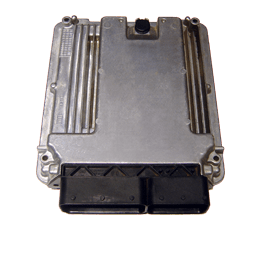
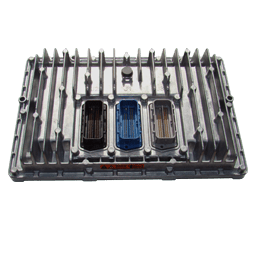
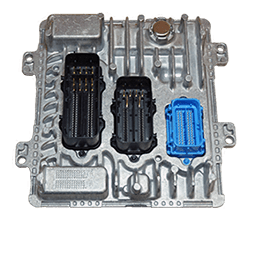
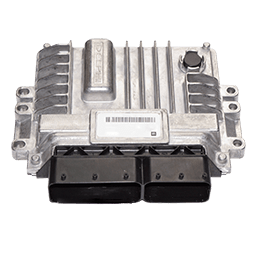
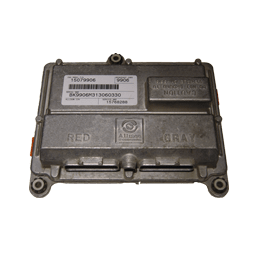
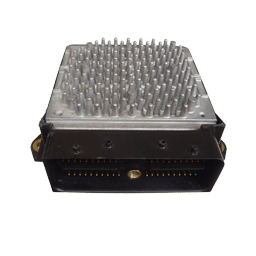
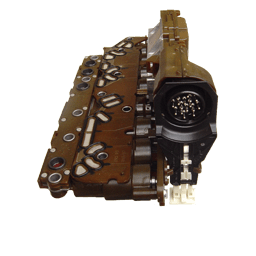
Supported Controllers
Scan Tool Features
- Data Logging
- Read & Clear DTCs
- GM Specific PIDs
- Create Calculated PIDs
- Virtual Dashboards
- Charts, Tables, 3D Maps
- Share Logs, Config Files & Templates
Tune Tool Features
- ECM Read
- ECM Flash
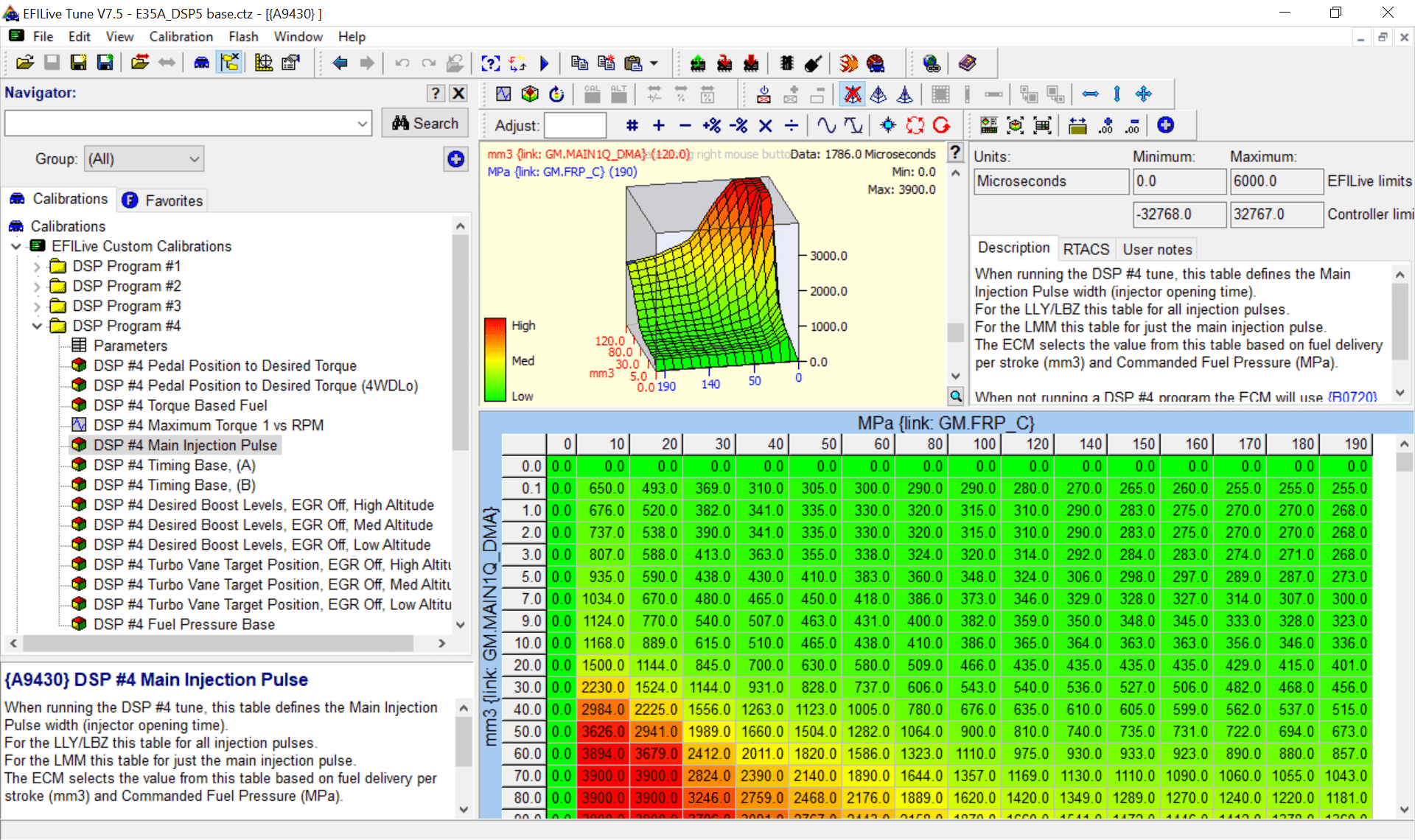
- Tuning Parameters
- Define your own parameters
- 3D & 2D tables for editing
- Controller Authorization
- Tools for easy editing (smooth, blend, %)
- Scripts to automate changes
- Tune Security & Locking
Parameter Control
(Adjustable Options vary for each vehicle and are not available on all vehicles)
- Control Main, Pilot and Post injection amounts for all modes
- Control Main, Pilot and Post injection timing for all modes
- Control Maximum number of injection events
- Set various RPM limiters
- Control over engine torque curve
- Control over VGT position
- Engine braking control
- Control Fuel Pressure for all operating modes
Custom Operating Systems
DSP5 & DSP4 - Switchable Tuning on the Fly
- Edit key tuning parameters in each tune position.
- Install your DSPx custom tune by full flashing your modified DSPx tune into your ECM.
- Change tunes instantly without reflashing.
- Use FlashScan, AutoCal or an approved partner product to switch between your tunes (platform dependent).
- Define tune file names for FlashScan and AutoCal display.
- Each GM Diesel platform supports a different number of tune positions based on available ECM memory.
- Selected operating systems available for upgrade.
DSP5 & DSP4 - Support Matrix
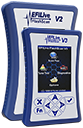
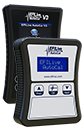
Custom OS
# Tune Positions
FlashScan
AutoCal
EFILive Android App
SoCal Diesel DSP4 Switch
SoCal Diesel DSP5 Switch
Custom OS: E98 DSP4 (2.8L only)
# Tune Positions: 4
FlashScan:
AutoCal:
SoCal Diesel DSP4 Switch:
SoCal Diesel DSP5 Switch:
Custom OS:
Custom OS: LBZ/LMM DSP5
# Tune Positions: 5
FlashScan:
AutoCal:
SoCal Diesel DSP4 Switch:
SoCal Diesel DSP5 Switch:
Custom OS:
Custom OS: LB7/LLY DSP5
# Tune Positions: 5
FlashScan:
AutoCal:
SoCal Diesel DSP4 Switch:
SoCal Diesel DSP5 Switch:
Custom OS:
Available Duramax PIDs
(Available PIDs vary on each supported platform)
- Ambient Air Pressure
- Ambient Air Temperature
- Battery Voltage
- Boost Pressure
- Charge Cooler Temperature
- Coolant Temp
- Current DSP5 Tune
- DPF Scoot Level
- EGR Position
- EGR Temperature
- Engine Torque
- Exhaust Temp
- Fuel Pressure Actual
- Fuel Pressure Desired
- Injection Time
- Intake Manifold Temperature
- Intake Throttle Percent
- MAF Flow
- Main Injection Fuel Quantity
- Main Injection Timing
- Oil Pressure
- Pedal Position
- Pilot Fuel Quantity
- Pilot Timing
- Post Fuel Quantity
- Post Timing
- RPM
- Vehicle Speed
- VGT Actual Position
- VGT Desired Position
Downloads
Looking at purchasing FlashScan but unsure if the EFILive software is suited to you? Download the EFILive software and User Guide and take a look around. The EFILive software remains in Demo mode when FlashScan is not connected or product registration information is not entered, so download today.
NOTE: FlashScan is required for interaction with the vehicle, and for saving edited tune files.